Best Headshot for Your Resume: Complete Guide
Including a photo on your resume depends on your industry and location, but when you do, it needs to be perfect. A professional headshot on your CV can humanize your application and help recruiters remember you among hundreds of candidates.

When to Include a Photo on Your Resume
In many European, Asian, and Latin American countries, resume photos are standard practice. In the US and UK, they're less common but increasingly accepted, especially in client-facing roles, creative industries, and personal branding. Always include one on your LinkedIn profile regardless.
Resume Photo Specifications
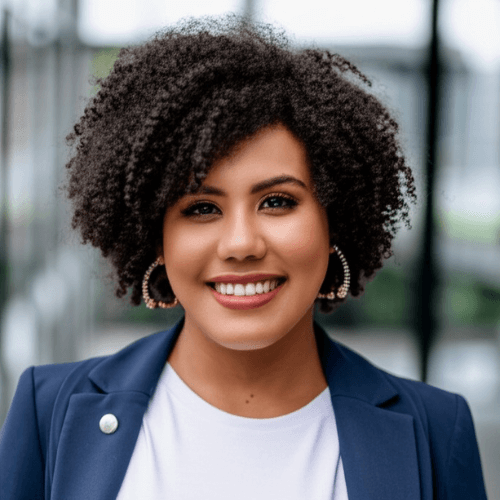
A resume headshot should be a tight crop showing your head and top of shoulders. The typical size is 2x2 inches or about 300x300 pixels at 300 DPI. Use a neutral background and professional attire appropriate to your industry.
Choosing the Right Style
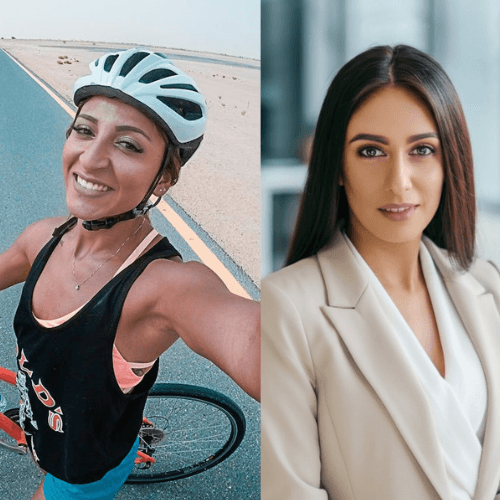
Match your headshot style to the job you're applying for. Finance and law call for formal suits. Tech and startups can be smart casual. Creative roles allow more personality. The key is looking professional while fitting the company culture.
AI-Generated Resume Headshots
AI headshot generators excel at creating resume photos. You can generate multiple styles from a single selfie — a formal suit version for corporate applications and a more relaxed look for startup roles. This versatility is impossible to match with a single traditional photo session.
Photo Placement and Formatting
Place your photo in the top right or left corner of your resume. Keep it small enough to not dominate the page but large enough to be clearly visible. Ensure it's high resolution and doesn't pixelate when printed. Use a simple border or rounded corners for a clean look.